
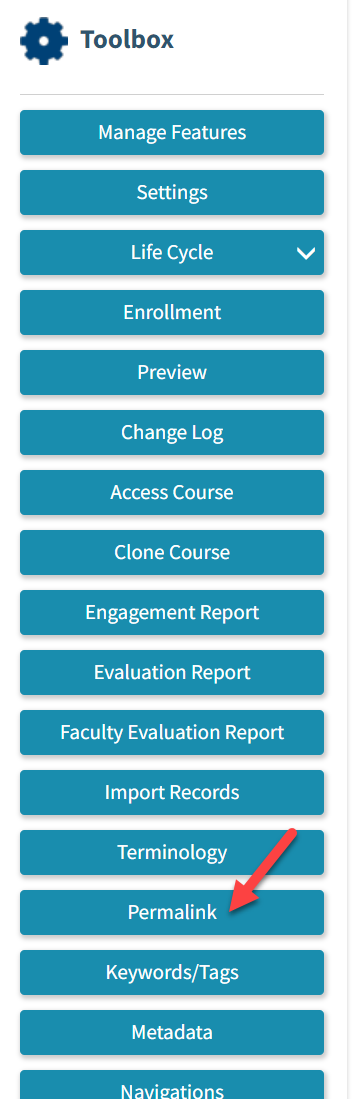
1. Go to any course. Under toolbox on your right, click on Permalink
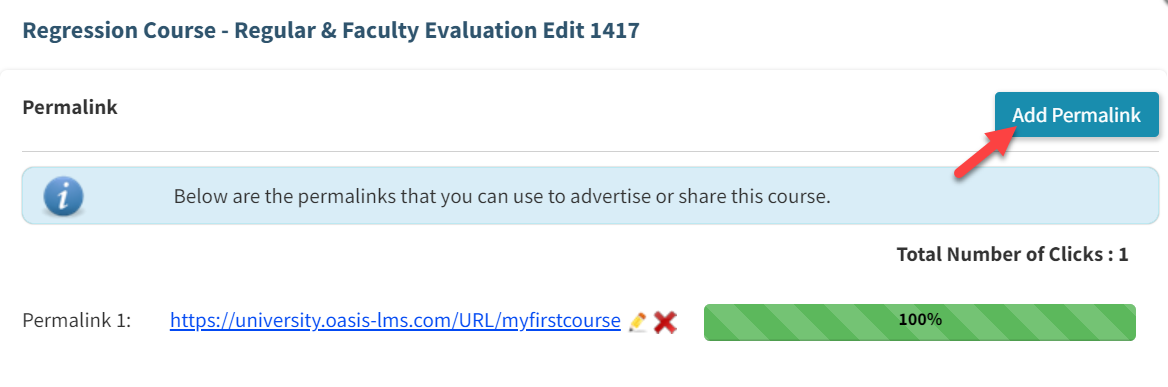
2. Click Add Permalink.
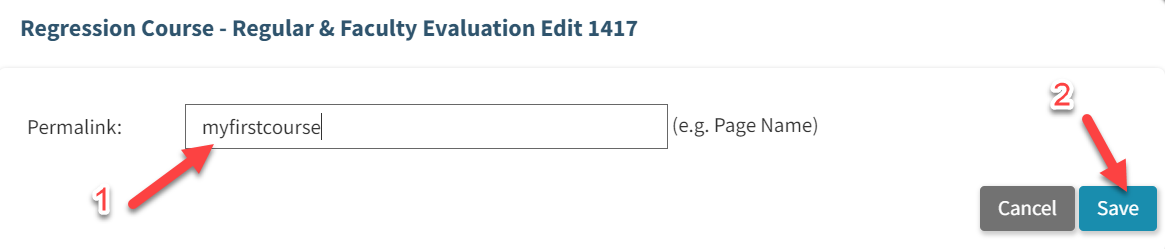
3. Insert the Page Name that you want (avoid using special character) and Click Save.
4. The Permalink is already created! You can distribute it to users.
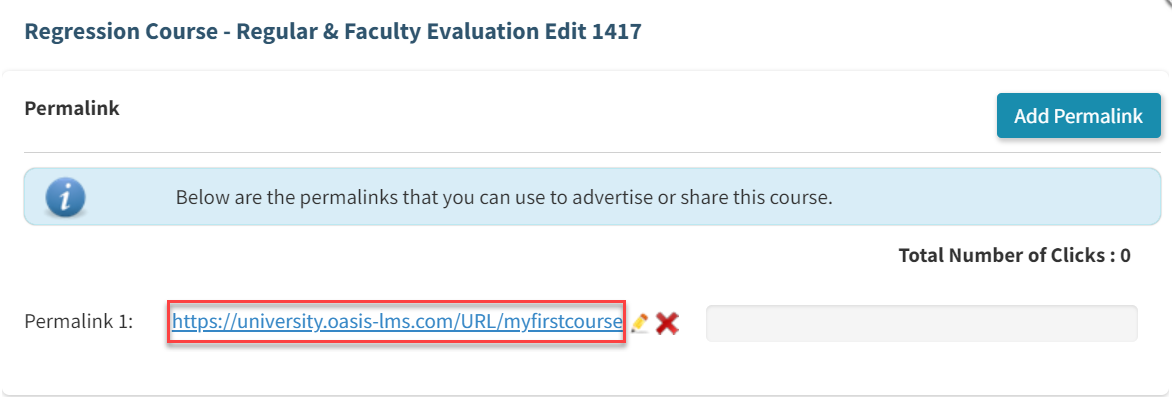
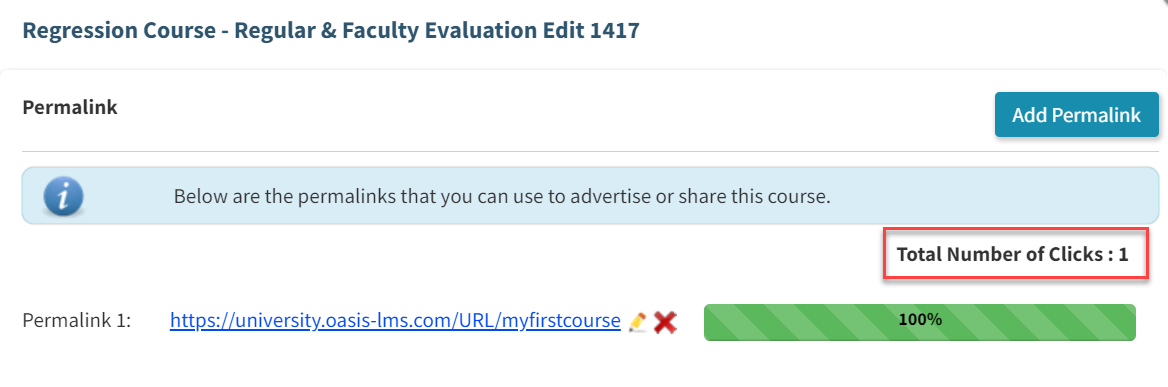
5. You can check how many users click on a specific Permalink.
Pro Tip:
Do you know that you can actually create multiple Permalinks?
Comments
0 comments
Please sign in to leave a comment.