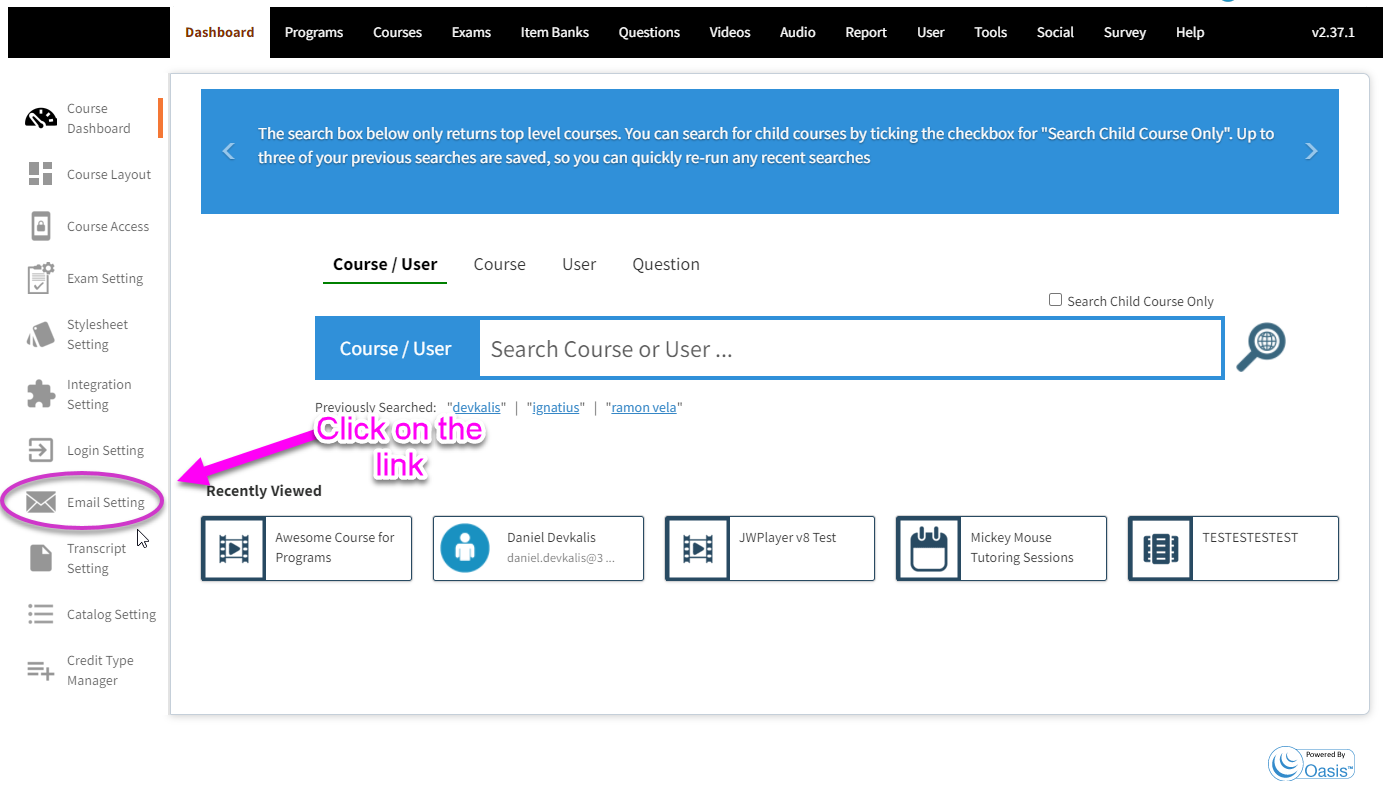
- Click on email setting icon on the left panel on dashboard page.
2. Click on the EDIT button > Clear the message content > Click SAVE button
NOTE: You can disable any system email one at a time by following the steps indicated in the tutorial.


2. Click on the EDIT button > Clear the message content > Click SAVE button
NOTE: You can disable any system email one at a time by following the steps indicated in the tutorial.
Comments
0 comments
Article is closed for comments.